

5 Best ABA and Behavioral Health Software Solutions in 2026


A claim gets denied because a credential expired. There’s no clear substitute for a Registered Behavior Technician (RBT) off with the flu. Most behavioral health software solutions handle clinical data or billing well, but these are rarely connected to a practice’s whole workflow.
We tested five Applied Behavior Analysis (ABA) and behavioral health platforms, from multi-location enterprise systems to single-module tools, to check how session data flows into credentialing, billing, and other functions of a successful clinic.
Here's what held up, what fell short, and which platform is most likely to fit your practice.
5 best behavioral health software solutions: At a glance
How we tested these behavioral health software solutions
We looked at each platform's features, checked user reviews across multiple sites, and considered how well each software handles the daily demands of ABA and behavioral health practices.
Our main criteria:
- Clinical documentation: Do the treatment planning and session note functions work in a way that makes sense for busy practices?
- Billing integration: Do clinical records flow into billing, or does someone have to enter the same data twice?
- Supervision and compliance: Can the platform organize supervision records and pull reports when needed?
- Authorization management: Does the system show authorization limits before they become a problem?
- Usability: How long does it take for staff to get up to speed without help?
Systems that tied everything together and flagged issues early scored higher. Signs of disconnect or duplicated work resulted in a lower score.
1. Passage Health: Best for ABA and behavioral health practices
What it does
Passage Health combines clinical documentation, scheduling, supervision tracking, and billing in one platform built for ABA and behavioral health practices.
Who it's for
ABA clinics and behavioral health practices where supervision tracking, authorization management, and insurance billing are part of the daily workload.
Many providers run clinical documentation in one system and billing in another. This means staff have to manually transfer session data, check that codes match, and verify credentials across two platforms. When something gets missed, a claim gets denied.
Passage Health keeps everything in one place, so you can document your sessions knowing that the billing side has what it needs.
Key features
- Session-to-billing connection: Claims pull directly from session documentation. Fewer errors from manual data entry means cleaner claims.
- Mobile data collection: Session notes sync in real time across devices, so supervisors can view session data as it's recorded.
- Automatic session timers: Rate, interval, and duration targets can start automatically once a session begins, so RBTs don't have to start each timer by hand.
- Supervision linking: Supervision records attach to the right sessions and staff credentials, simplifying audit prep.
- Authorization tracking: Hours remaining are displayed when you’re scheduling, so staff can catch limits before they book more sessions.
- Credential checks: Billing records populate with Current Procedural Terminology (CPT) codes and provider credentials drawn from session data, reducing manual entry.
- Compliance reporting: Payor and regulatory reports pull directly from data already in the system.
- Funding source tracking: Funding sources carry start and end dates, so claims automatically filter out anything that's expired.
- Configurable role permissions: Tie access to a team member's relationship to the client, colleague, or event type, so everyone sees exactly what they need to.
- Smart scheduling filters: Reassignments and new mobile events can be created or edited on the fly, with color-coded calendars filterable by care team, billing code, or certification.
- Organized intake: The new Client Intake feature manages leads from first contact so the intake pipeline flows smoothly.
- Frontera AI integration: First drafts of reports and documents come directly from session data, ready for a review.
- 1:1 onboarding support: A dedicated team helps your practice get set up correctly from the start.
Pros
✅ Clinical and billing information are connected, reducing the risk of errors from manual entry.
✅ Credential and authorization issues are flagged before a claim goes out.
✅ Supervision documentation is stored and organized.
✅ Real-time data syncing means everyone is working from the latest information.
✅ Dedicated onboarding support is included.
Cons
❌ It’s built mainly for clinic-based ABA practices.
❌ There’s no public pricing.
What users say
“Running a session has never been so easy. My team is loving the app and the real-time data syncing. Being able to enter data, see it saved instantly, edit the note at the same time, and have a supervisor seeing this happen live on their own device is amazing.” – Nicole Edge, Autism Services of Florida
“With Passage we are able to move more efficiently, it is a game-changer. The system is seamless. The onboarding experience was amazing, and ongoing support is really proactive.” – Liza Ozowara, Executive Director, Agape
Pricing
Custom pricing based on your practice size. Contact Passage Health for a quote.
Bottom line
Passage Health is worth serious consideration if insurance billing, supervision compliance, and clinical documentation are part of your everyday workflow. Keeping them connected in one system cuts down on admin work and the errors that can crop up when staff are jumping between tools. It also makes audit preparation a lot easier.
2. CentralReach: Best for large, multi-location ABA organizations

What it does
CentralReach is one of the more familiar names in ABA software, bundling data collection, scheduling, billing, and staff management into a single enterprise-level platform.
Who it's for
Large or multi-site ABA organizations with the budget and dedicated admin staff to run a complex system.
Key features
- Clinical data collection with customizable forms and curriculum libraries
- Scheduling and multi-office practice management
- Insurance billing, claims, and revenue cycle tools
- Staff credentialing and payroll support
Pros
✅ Covers a wide range of ABA workflows in one system
✅ Long-established vendor with a large user base
✅ Supports organizations running multiple locations
Cons
❌ Reliability issues mean many RBTs skip the mobile app for session data.
❌ Scheduling lacks visibility across staff and clients, so practices often fall back on spreadsheets.
❌ Onboarding a new RBT or Board Certified Behavior Analyst (BCBA) can take 4–6 weeks.
❌ Costs can run high, compared to reported value.
What users say
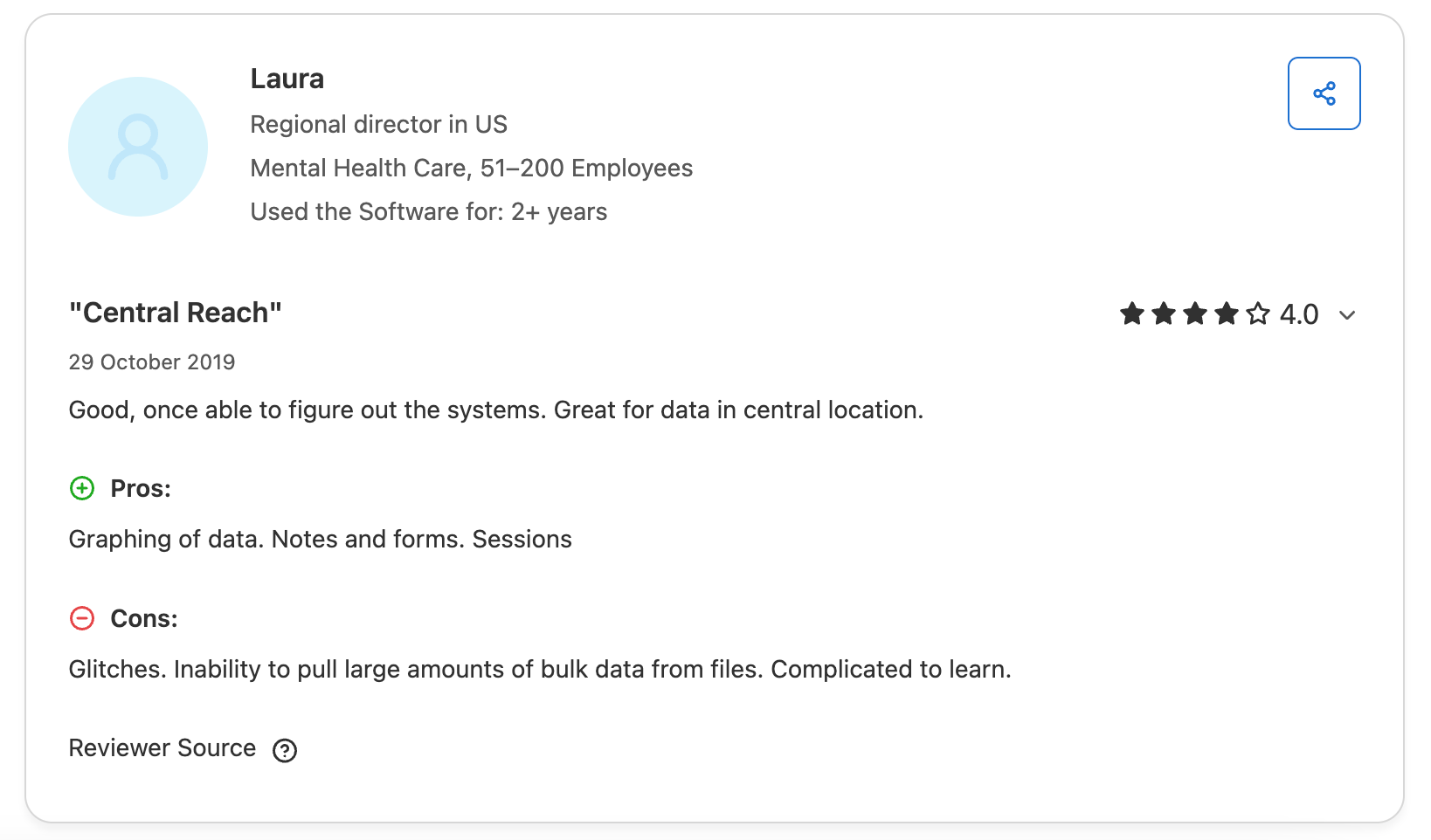
"I appreciate the flexibility to create my own forms for different clinical notes, letters, and etc" – Verified User, SoftwareAdvice
"The cost of all the add-ons is a bit much. Also, having to pay that for each employee when only certain ones use a feature. Very expressive for a small company like mine." – Verified Medical Director, SoftwareAdvice
Pricing
Custom pricing is based on your organization’s size and the product line you choose. You'll need a sales quote for an exact figure.
Bottom line
CentralReach has the depth to support large ABA organizations, but that depth comes at a cost. Practices without a dedicated operations team often find the onboarding curve, app reliability, and pricing harder to justify than they expected.
3. Motivity: Best for practices needing deep clinical customization
What it does
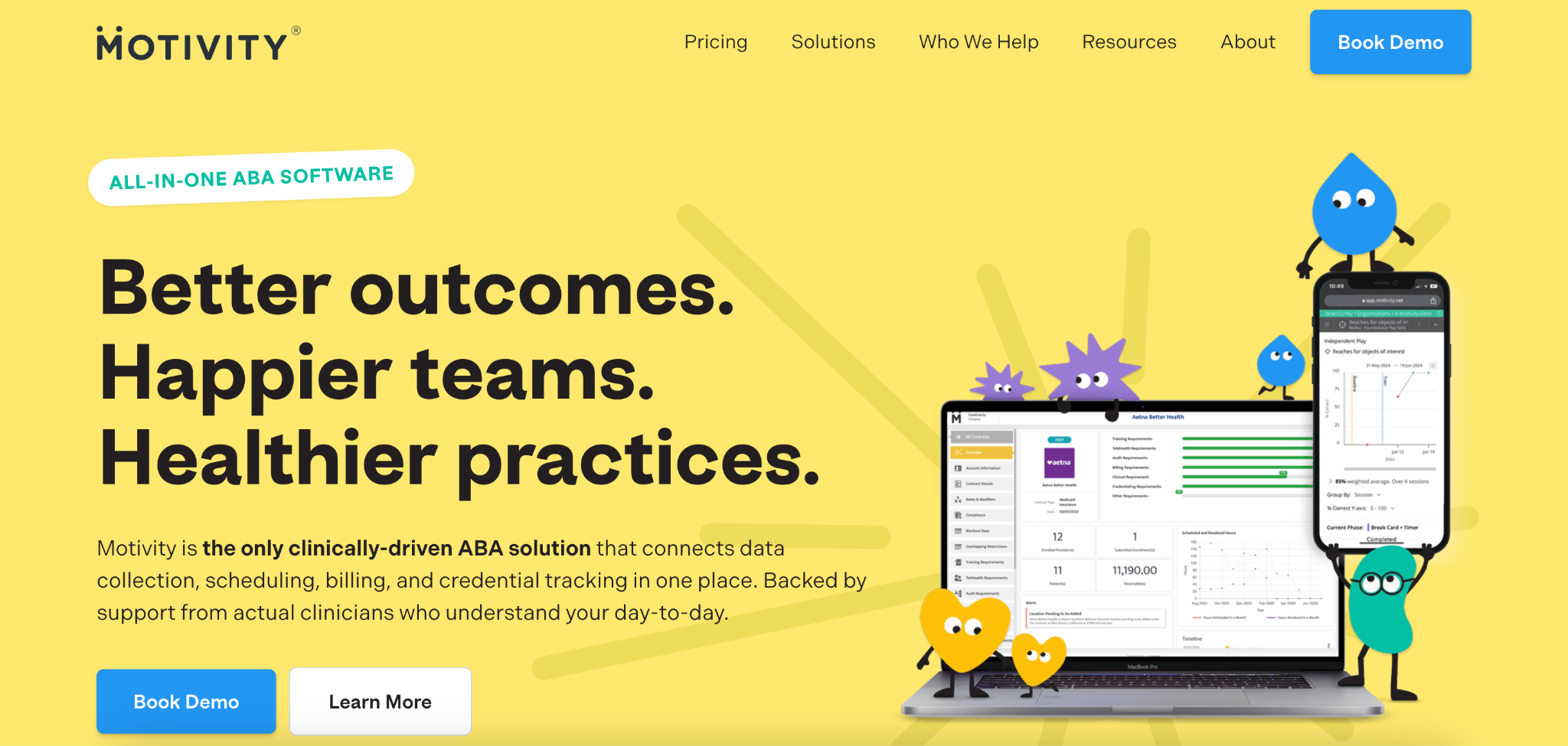
Motivity is a clinical data collection and program-building platform for ABA providers, with a newer all-in-one option that adds practice management and billing.
Who it's for
ABA practices where BCBAs want granular control over program design and data types, and that can invest time for a longer setup.
Key features
- Customizable program builder for teaching instructions, data types, and mastery criteria
- Real-time charting as session data is collected
- Support for multiple data collection methods
- Authorization tracking and staff credentialing tools
Pros
✅ Flexible clinical tools that match how BCBAs actually program
✅ Real-time data visibility for supervisors
✅ Responsive support team with training resources
Cons
❌ Initial setup takes considerable time to configure correctly.
❌ The all-in-one platform is new, with reliability gaps that have made larger organizations hesitant to switch.
❌ Pairing it with a separate billing tool often means double data entry.
❌ Practice management and billing features reportedly lag behind the clinical tools.
What users say
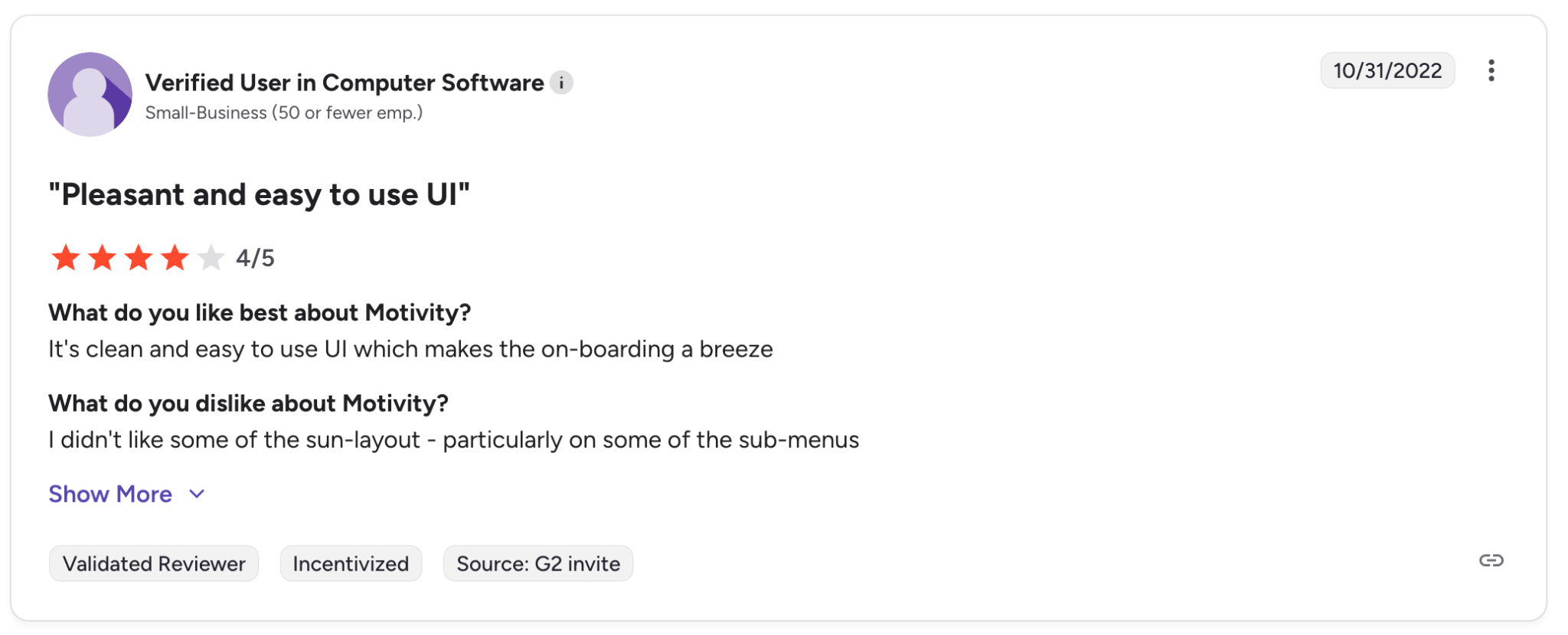
“Good UI, easy to use and very friendly for english speaking users.” – Verified User, G2 Review
“It is very hard to know how to get everything set up right so that it will work correctly or the way you want it to. The system is very complex and you have to take classes to make it do right.” – Ashley C., Senior Loan Officer, G2 Review
Pricing
Motivity’s Data Collection or Practice Management platforms each start at $24 per learner per month. The All-in-One platform starts at $48 per learner per month.
Bottom line
Motivity suits practices that want deep clinical program customization and are willing to invest time up front. But if you need billing and scheduling running reliably alongside your clinical data, the current options can leave gaps.
4. RethinkBH: Best for ABA staff training
What it does
RethinkBH is an ABA software platform with modules covering data collection, clinical programming, scheduling, and staff training. Billing isn't built in, so practices have to pair the platform with a separate system, like Tebra or Kareo.
Who it's for
ABA practices that need clinical tools and staff development in the same system.
Key features
- 1,500+ customizable care plans
- RBT training resources
- Scheduling and practice management
- Analytics and reporting
- A medical necessity assessment tool
Pros
✅ Supports ABA alongside speech, occupational, and physical therapies
✅ Built-in RBT training and staff development resources
✅ Enrollment and credentialing support for new practices
Cons
❌ The custom, module-based pricing makes it hard to compare costs up front.
❌ You'll need a separate billing system, which often means entering data twice.
❌ Customer support can take weeks to respond.
❌ Clinicians report lost data and trouble syncing.
What users say
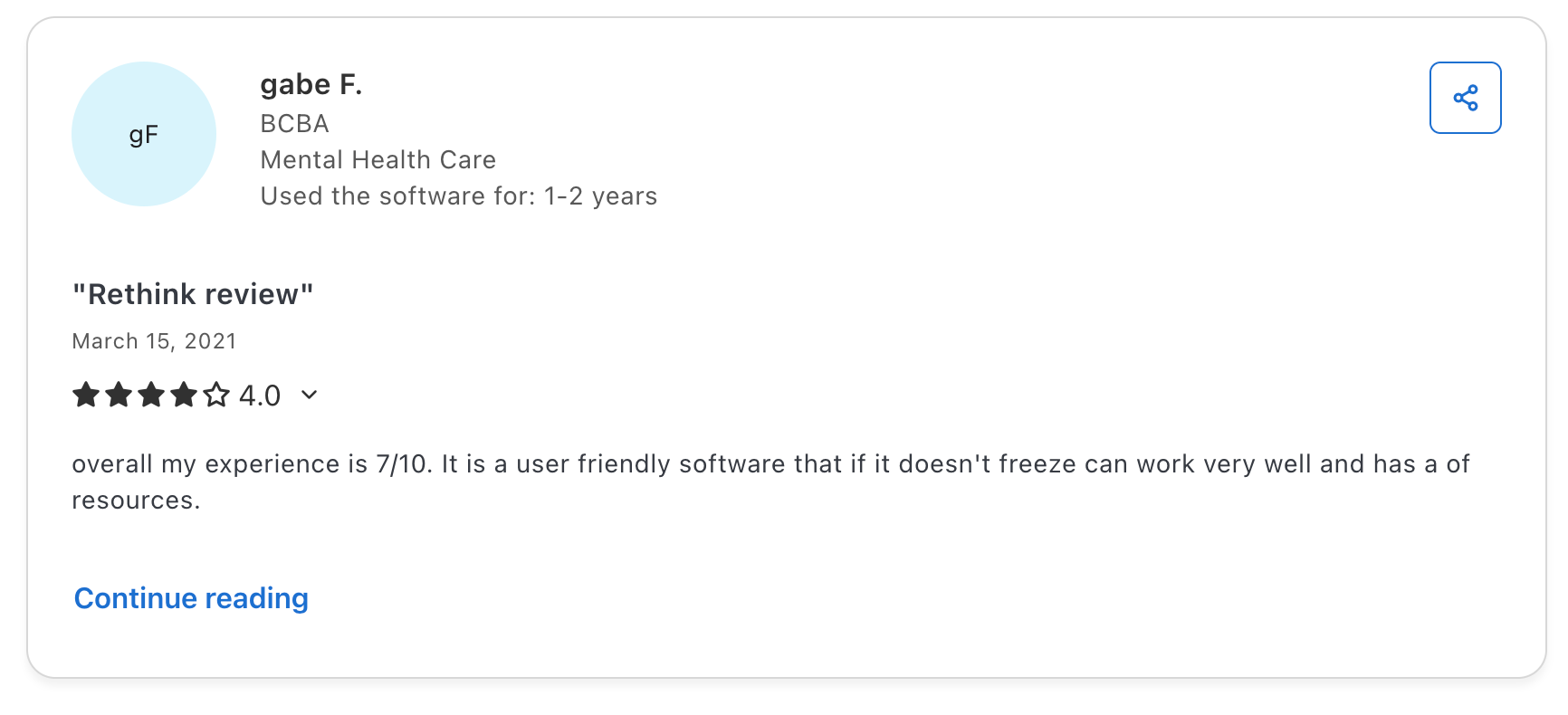
"Very useful and easy to learn how to use." – Jobe, RBT, Capterra
"Overall, Rethink worked when we were a small, ABA-only organization. As we grew and started to provide different services and different service lines, it did not work. Even worse, when we went to leave Rethink, they stopped responding. The customer service is deplorable." – Jen G., Director, Capterra
Pricing
Pricing depends on which modules your practice selects, so quotes vary based on your setup.
Bottom line
RethinkBH covers clinical programming and staff training well, but billing isn’t linked up. If you want claims tied directly to your session data without a second system, you’ll need to look elsewhere.
5. HiRasmus: Best for practices focused on BCBA supervision
What it does
HiRasmus is a clinical ABA platform built around treatment planning, data collection, and BCBA oversight. It’s typically paired with a separate billing or full practice management system, such as AlohaABA.
Who it's for
Practices where clinical supervision and program quality come first, and practices that are comfortable running multiple systems.
Key features
- Individualized program libraries built from a customizable curriculum
- AI-assisted session notes to reduce supervisor documentation time
- A dedicated supervision mode for running multiple staff competency reviews at once
- Credential and compliance tracking
Pros
✅ Clinical tools built around how BCBAs supervise and program
✅ Intuitive interface for RBTs running sessions
✅ Hands-on implementation support
Cons
❌ No billing, so a separate practice management system is required.
❌ Integration with separate billing tools can be inconsistent.
❌ Entering data in multiple systems adds to your admin load.
❌ Pricing is only available on request.
What users say
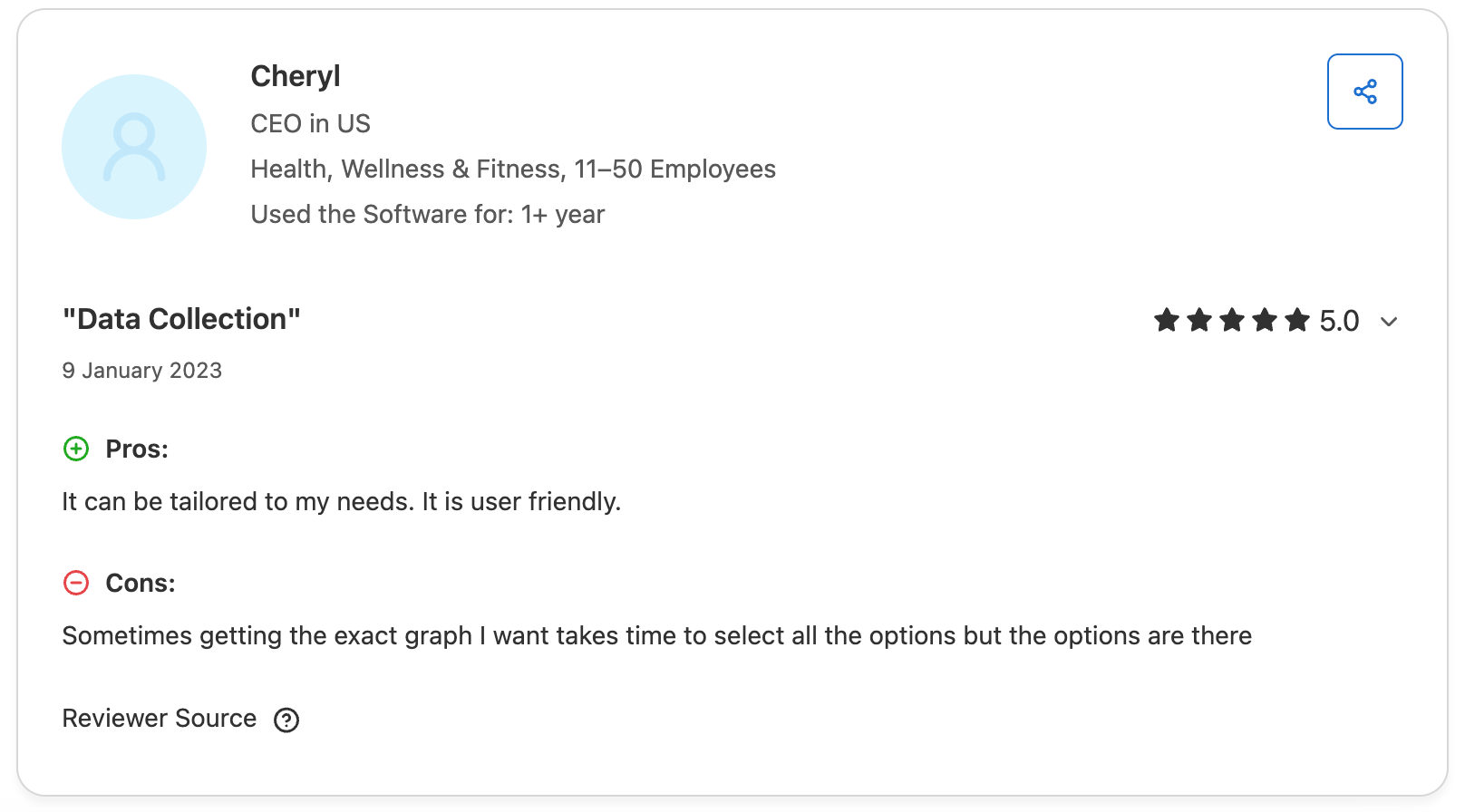
"It can be tailored to my needs. It is user friendly." – Cheryl, CEO, Capterra Review
"There were frequent issues with programs not fading prompts. Task analyses were difficult to set up. The interface with Aloha was less than ideal, with frequent issues." – Devann, BCBA, Capterra Review
Pricing
You’ll need a custom quote.
Bottom line
HiRasmus works well for practices that want strong clinical and supervision tools and are prepared to manage a second system for billing. That split setup is worth weighing against the benefits of keeping clinical and billing data in one platform.
Which behavioral health software solution should you choose?
The right platform depends on your practice size, the people you serve, and how closely your clinical and billing workflows need to work together.
Choose Passage Health if you:
- Run an ABA or behavioral health practice that bills insurance
- Need supervision records tied to sessions and staff credentials
- Want scheduling, documentation, and billing all working from the same data
- Want to see authorization limits before sessions are booked
- Run compliance and payor reports regularly
- Use a mobile app for data collection
- Want AI-assisted clinical documentation
Choose CentralReach if you:
- Run a large, multi-site ABA organization with dedicated admin and IT staff
- Need a wide range of features across scheduling, billing, and payroll
- Have the budget and internal resources to manage a complex platform
Choose Motivity if you:
- Want deep customization over program design, data types, and mastery criteria
- Have BCBAs who need real-time charting during sessions
- Can invest time in configuring the platform to your workflows
Choose RethinkBH if you:
- Need clinical programming tools and staff training in the same platform but can handle another tool for billing
- Want built-in RBT and BCBA training resources
Choose HiRasmus if you:
- Prioritize clinical quality and BCBA supervision first
- Don't mind running a separate system for billing and practice management
- Want an intuitive, session-focused experience for RBTs
The final verdict
Most behavioral health software solutions were built for general practices and adapted for behavioral health later. That tends to show in the areas that matter most: clinical notes and billing that don't talk to each other, authorizations that expire without warning, and supervision data tracked separately.
Passage Health was designed for ABA and behavioral health, so those gaps don't exist.
If your practice needs documentation, supervision, and billing to work as one system, Passage Health is the strongest option we reviewed.
Book a demo to find out how Passage Health can simplify your clinical and billing workflows.
Frequently asked questions
What are behavioral health software solutions?
Behavioral health software solutions are platforms that manage the clinical and administrative workflows of behavioral health practices. They typically cover session documentation, scheduling, supervision tracking, authorization management, and insurance billing.
How is behavioral health software different from general medical EHR software?
Behavioral health software differs from general medical EHR software because it supports session-based documentation, supervision tracking, and behavioral health billing codes. Most general medical EHRs don't include the specialty tools that ABA and behavioral therapy practices rely on.
How does behavioral health software reduce insurance claim denials?
Behavioral health software helps reduce claim denials by connecting session documentation directly to billing. This means, for instance, that credentials, billing codes, and authorization data are linked from the session to the claim. This alignment minimizes the most common reasons that claims are rejected.
