

5 Best ABA Scheduling Software for Growing Practices in 2026


Applied Behavior Analysis (ABA) practices need scheduling software that connects directly to billing, authorizations, and clinical workflows. Without that connection, mounting caseloads create admin problems that eat into revenue. Here are five ABA scheduling software options for growing practices that need each piece to work together.
5 best ABA scheduling software options: Quick comparison
How we evaluated these ABA scheduling platforms
We evaluated each platform’s performance against real ABA workflows, with a focus on what matters most to growing clinical practices.
- Scheduling depth: Does the platform handle authorizations, staff availability, recurring sessions, and conflict prevention, or just basic booking?
- Billing integration: Does a scheduled session automatically flow into a claim, or do staff have to manually reenter data?
- Usability: How quickly can a new Registered Behavior Technician (RBT) or scheduler learn the ropes?
- Growth readiness: Can the platform scale with your caseload without a full system overhaul?
- User reviews: How happy are real users, and how do their experiences compare with marketing claims?
These criteria helped us identify which platforms actually support a growing practice's needs.
1. Motivity: Best for practices that prioritize clinical depth alongside scheduling
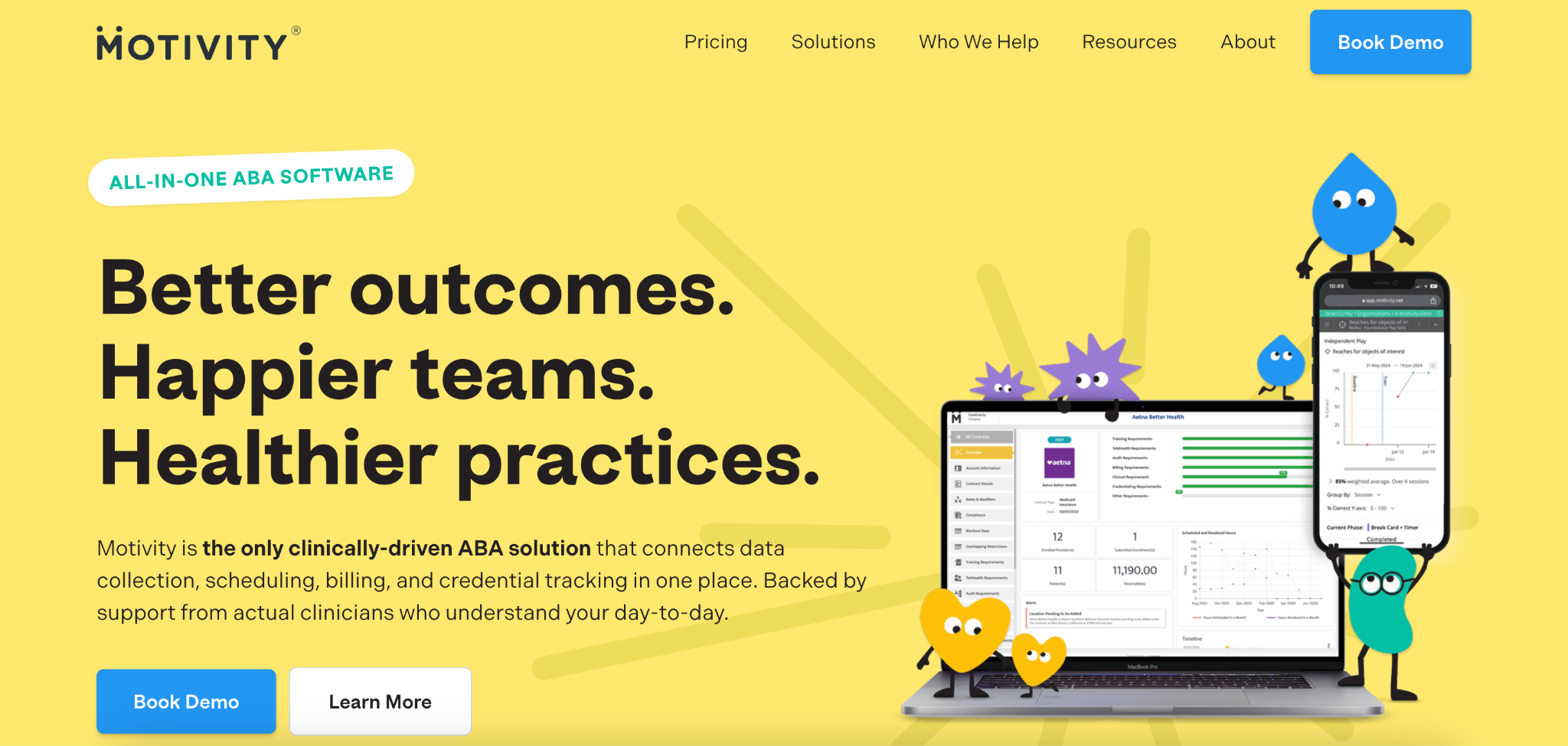
What it does: Motivity is a clinical documentation and practice management platform. It was built for ABA and multidisciplinary providers after receiving research grants from the National Institute of Mental Health. Motivity covers scheduling, data collection, billing, and authorization tracking.
Best for: ABA practices where deep, customizable clinical data collection is the main priority.
Motivity's program builder gives Board Certified Behavior Analysts (BCBAs) substantial control over how behavioral programs are structured and tracked. The scheduling and administrative features may seem like secondary considerations. User feedback consistently points to a gap between the platform’s clinical and operational depth.
Key features
- Authorization tracking and credential management
- Customizable program builder
- Real-time session data and progress visualization
- Practice management and billing tools
Pros
✅ Configurable clinical data tools
✅ Library of community-contributed program templates
Cons
❌ Admin and scheduling features lag behind the clinical toolset.
❌ The mobile platform’s signature capture can be unreliable.
❌ New teams face a substantial setup and training investment.
What users say
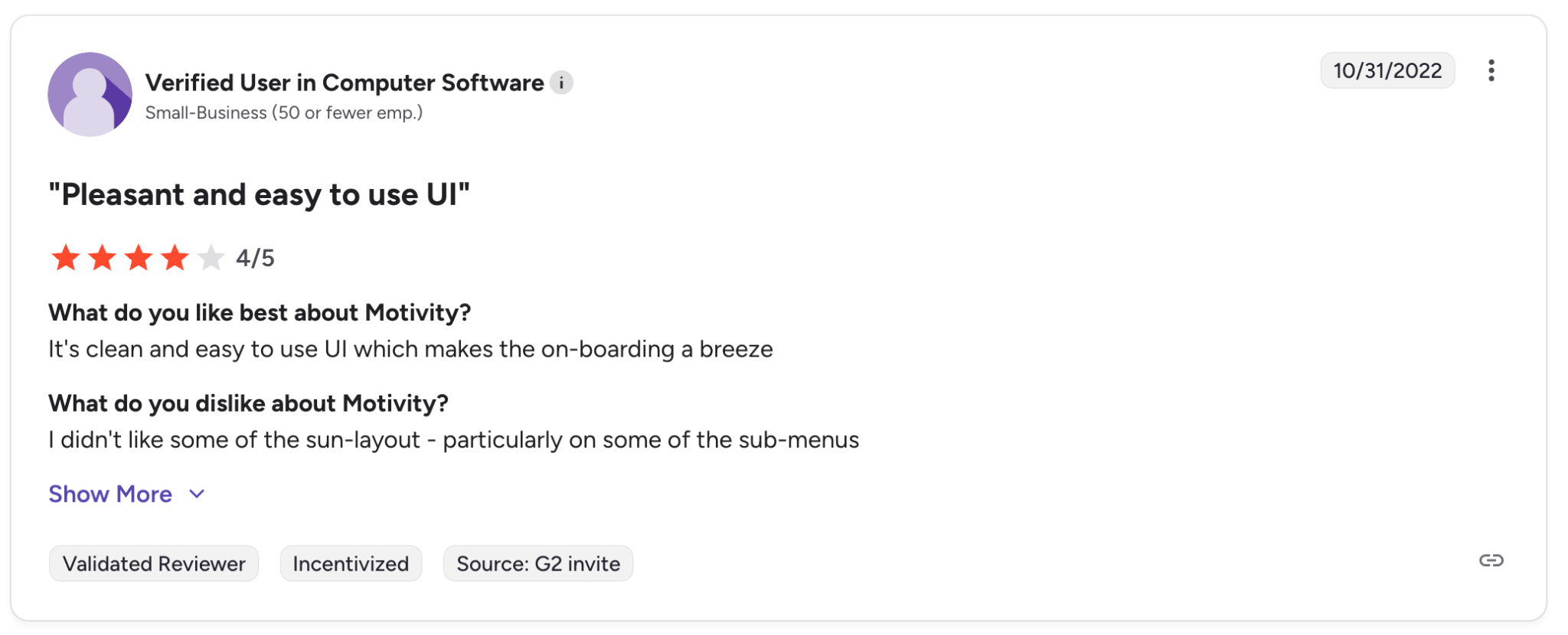
“Good UI, easy to use and very friendly for english speaking users.” – Verified User, G2
“It is very hard to know how to get everything set up right so that it will work correctly or the way you want it to. The system is very complex and you have to take classes to make it do right.” – Ashley C., Senior Loan Officer, G2
Pricing
Prices start at $24/learner/month for the data collection or practice management packages, and $48/learner/month for the combined platform.
Bottom line
Motivity works best for practices that prioritize clinical documentation. Teams that need scheduling and billing to carry equal weight will likely find the platform uneven. Bridging that gap usually means adding tools rather than relying on what's built in.
2. Raven Health: Best for small practices that need a quick, simple setup
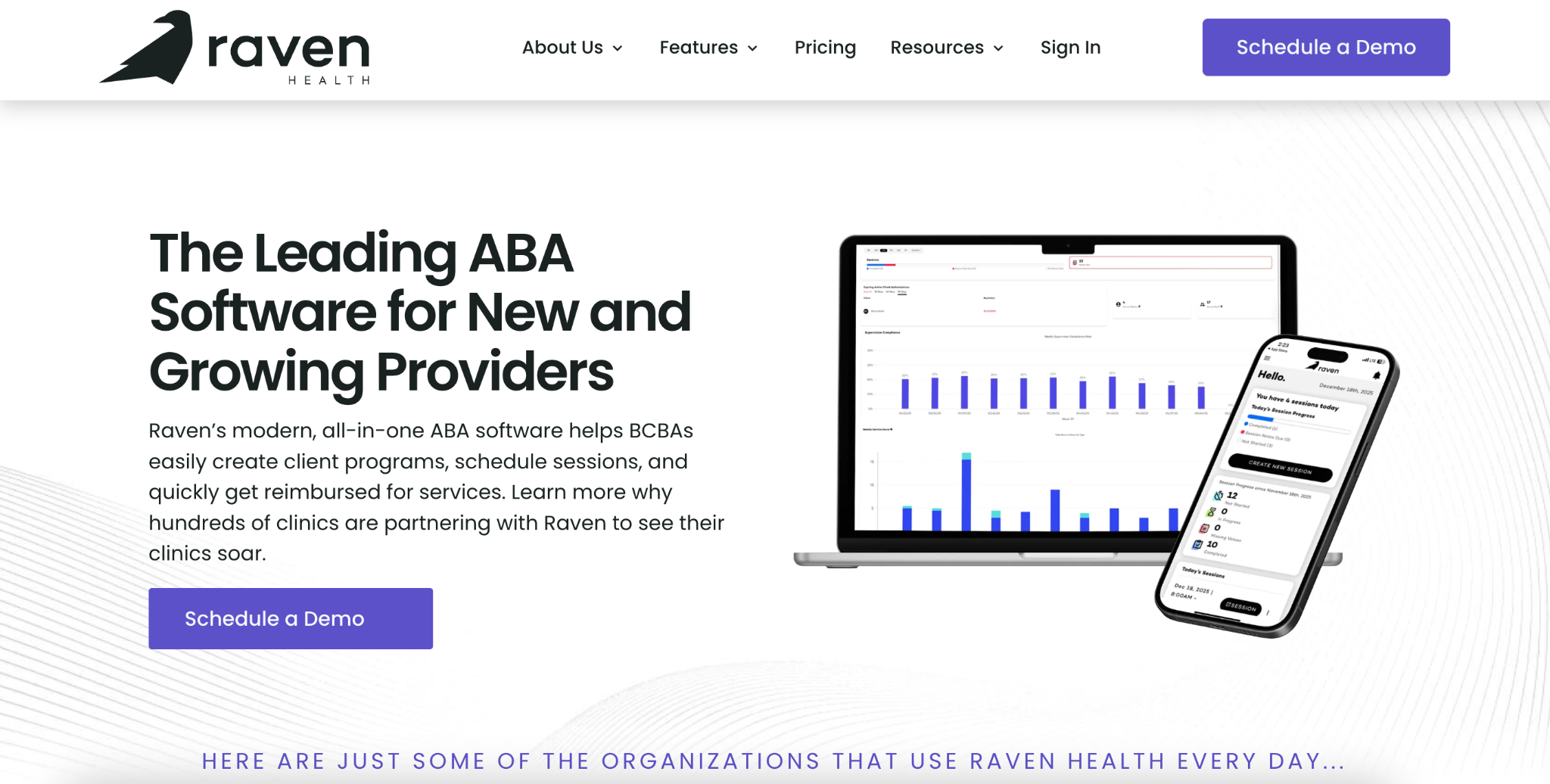
What it does: Raven Health is an all-in-one ABA platform that offers scheduling, data collection, treatment planning, and billing, with a strong focus on mobile access and fast onboarding.
Best for: Small ABA practices that want a clean, easy-to-learn scheduler and aren't yet dealing with complex authorization management or multi-site coordination.
Raven Health is quick to set up and straightforward for RBTs to use. Practices that need tighter authorization controls, deeper analytics, or more advanced billing integration will likely have to find more capability elsewhere.
Key features
- Color-coded calendar
- Recurring appointment automation
- Offline mobile access
- Session-to-invoice link
- AI-generated session summaries
Pros
✅ Fast setup and minimal training required
✅ Clean mobile experience with offline capability
Cons
❌ Scheduling automation and analytics are limited.
❌ Scheduling-to-billing integration is light, compared with true all-in-one alternatives.
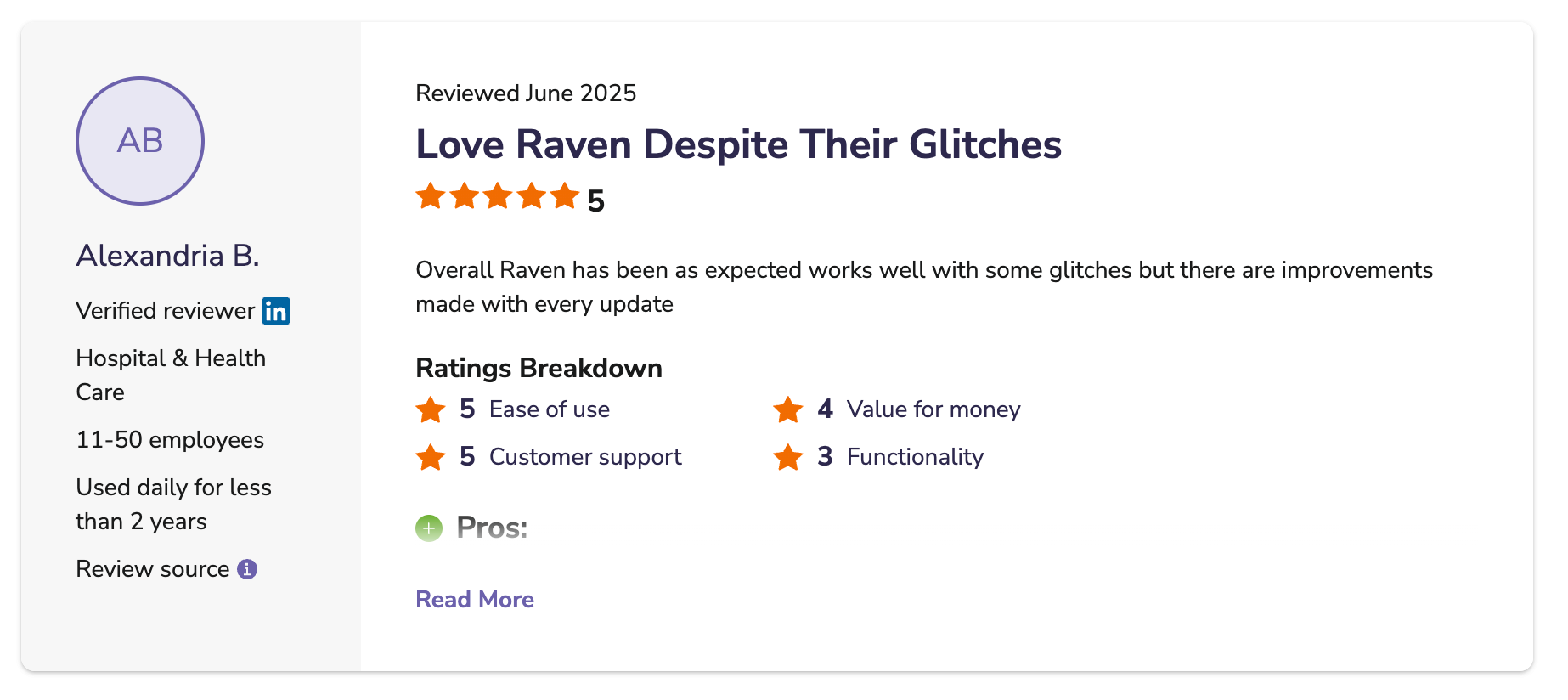
❌ Users report occasional technical glitches.
What users say
“The platform features a straightforward layout with essential functionalities tailored for professionals in the ABA field.” – Mark L., Verified Reviewer, Software Advice Review
“Some of the features are lacking on the BCBAs side of the platform for viewing and reporting on data when updating treatment plans.” – Christopher S., Verified Reviewer, Software Advice Review
Pricing
- Data Collection Essentials: $29/client/month with an annual commitment, plus a $500 implementation fee. Unlimited users.
- Managed Billing Bundle: 5% of monthly claims paid.
- Self-Billing Package: Custom quote for practices with 50+ clients.
Bottom line
Raven Health works well for small practices that want a simple, mobile-friendly scheduler that doesn’t require lengthy training. Practices with growing caseloads and more complex scheduling or billing needs will find the capabilities limited over time.
3. Lumary: Best for mid-to-large practices preparing to scale significantly
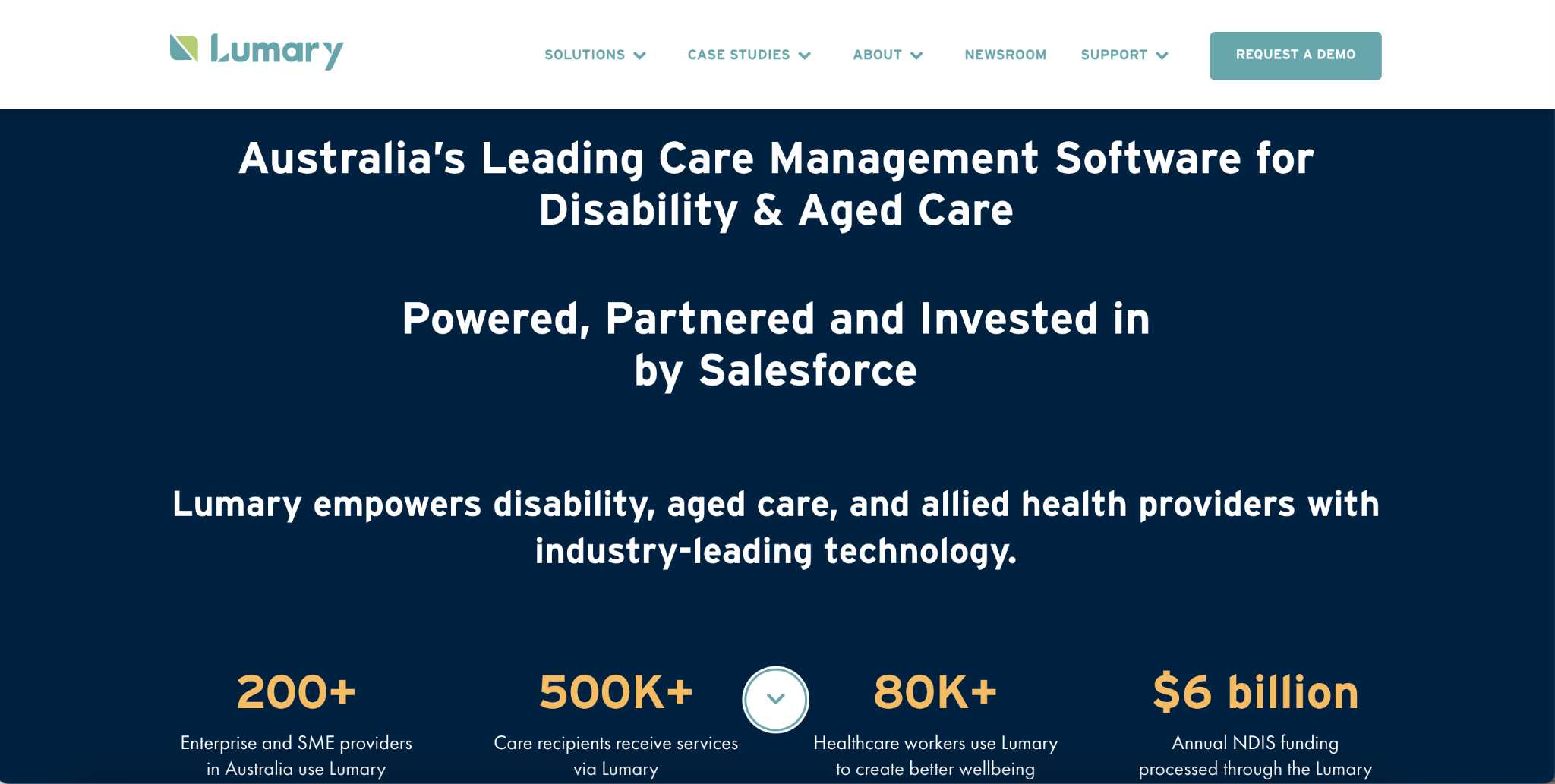
What it does: Lumary is an enterprise-grade ABA practice management platform built on Salesforce. It covers scheduling, billing, intake, authorization management, Electronic Visit Verification (EVV) compliance, and clinical reporting.
Best for: Mid-to-large ABA providers and multi-site organizations that need configurable, enterprise-ready scheduling with strong compliance infrastructure.
Lumary's Salesforce foundation gives it strong reliability and configurability. However, setup and training demand a real investment of time and resources. That complexity tends to be a poor fit for practices in earlier stages of growth.
Key features
- Automated clinician matching
- EVV compliance
- Staff utilization dashboards
- Automated SMS reminders
- Salesforce infrastructure
Pros
✅ Strong compliance tools, including EVV
✅ Enterprise-grade reliability and customization
Cons
❌ Significant implementation effort and learning curve
❌ Enterprise-level pricing for features you may not yet need
What users say
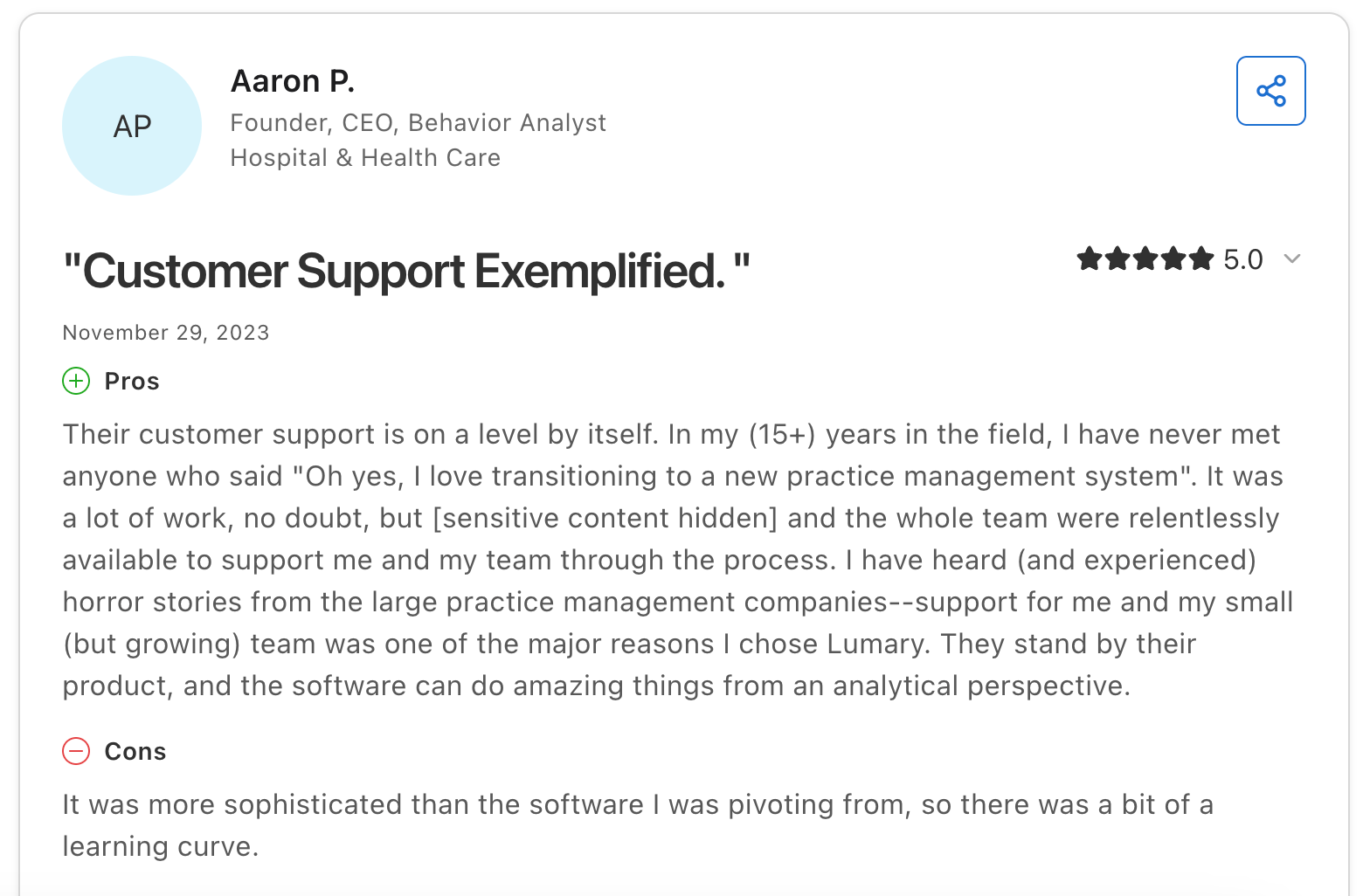
Verified reviews are limited. The most detailed review (on Capterra) reports that the platform’s sophistication required a learning curve during onboarding. Still, they praised the support team's availability.
Pricing
Custom pricing.
Bottom line
Lumary suits practices with serious multi-site growth plans and the internal resources to support a significant shift in software. For clinics with 20–50 learners, the overhead and pricing are usually a poor fit.
4. Artemis ABA: Best for practices that want scheduling automation without enterprise complexity
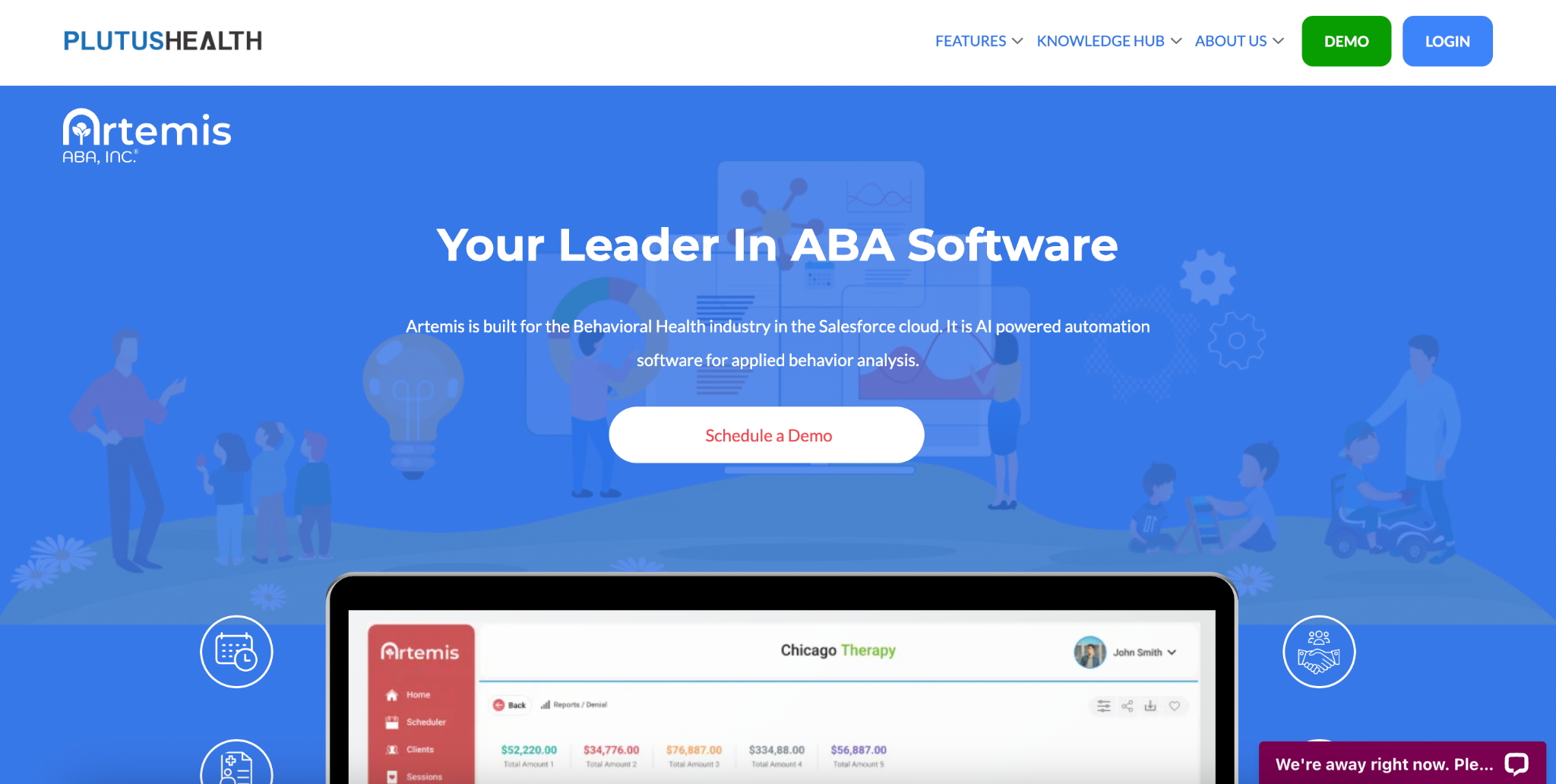
What it does: Artemis ABA is a practice management and billing platform that combines scheduling, data collection, clinical documentation, and billing with AI-powered automation tools.
Best for: Growing ABA practices that want automated therapist-client matching and scheduling compliance tools at a more accessible price than enterprise platforms.
Artemis ABA's core scheduling strengths are therapist matching and authorization conflict detection. But practices that need thorough clinical customization alongside scheduling may find the feature set uneven.
Key features
- Automated therapist-client matching
- Authorization-aware conflict detection
- Drag-and-drop rescheduling
- Billable vs. non-billable tracking
- AI-powered session notes
Pros
✅ Scheduling automation
✅ Authorization-aware scheduling
Cons
❌ Less suited to deep clinical data collection
❌ Learning curve reported by less tech-handy staff
What users say
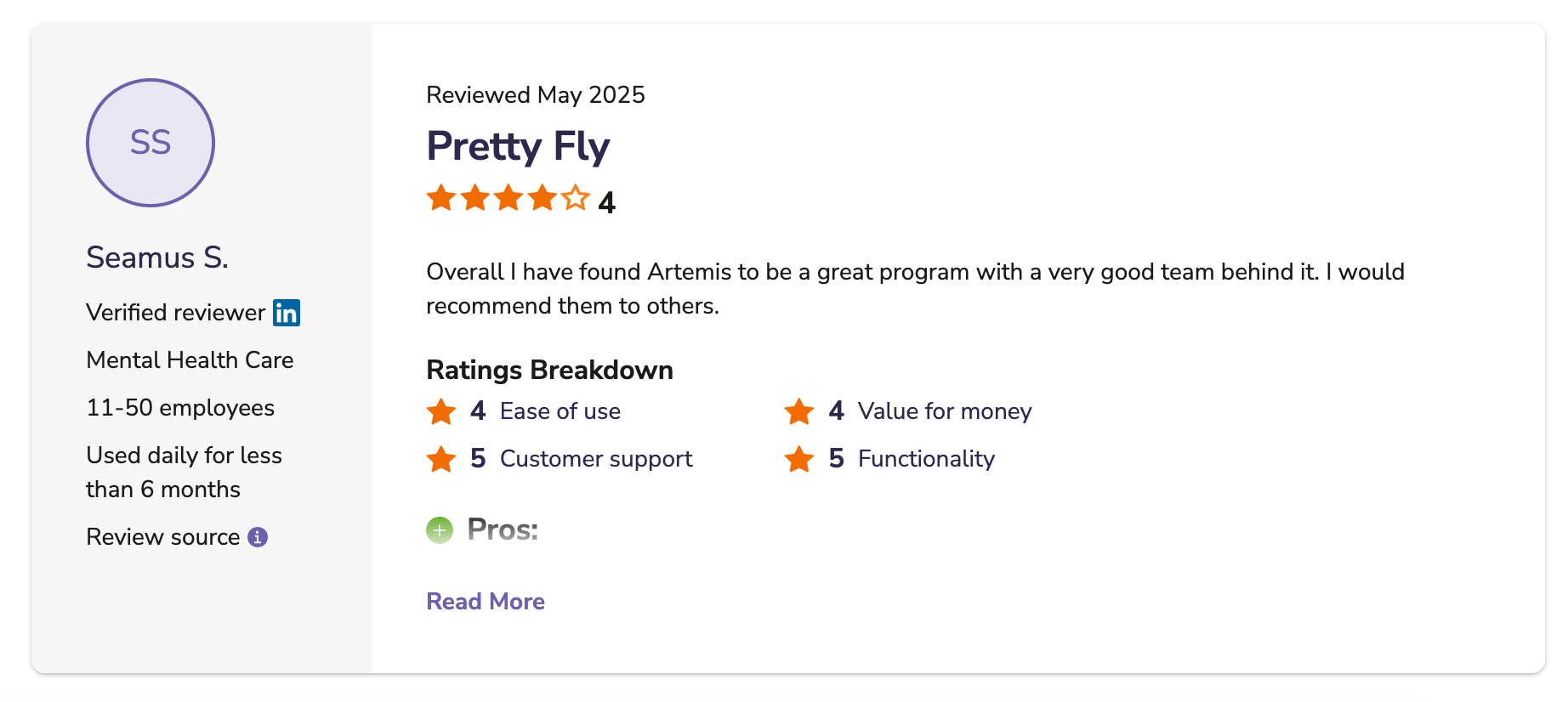
“Quick response time for help from a knowledgeable and helpful team member. Was generally easy to use and intuitive as a platform.” – Seamus S., Verified Reviewer, Software Advice Review
“Sometimes it can be difficult for those who are not comfortable with technology to learn how to use it.” – Rebecca T., RBT, Software Suggest Review
Pricing
Custom pricing.
Bottom line
Artemis ABA works well for practices looking for scheduling automation and therapist matching. But if your team relies heavily on clinical data collection tools, verify that the feature set meets your needs before committing.
5. Theralytics: Best for start-ups and budget-conscious practices
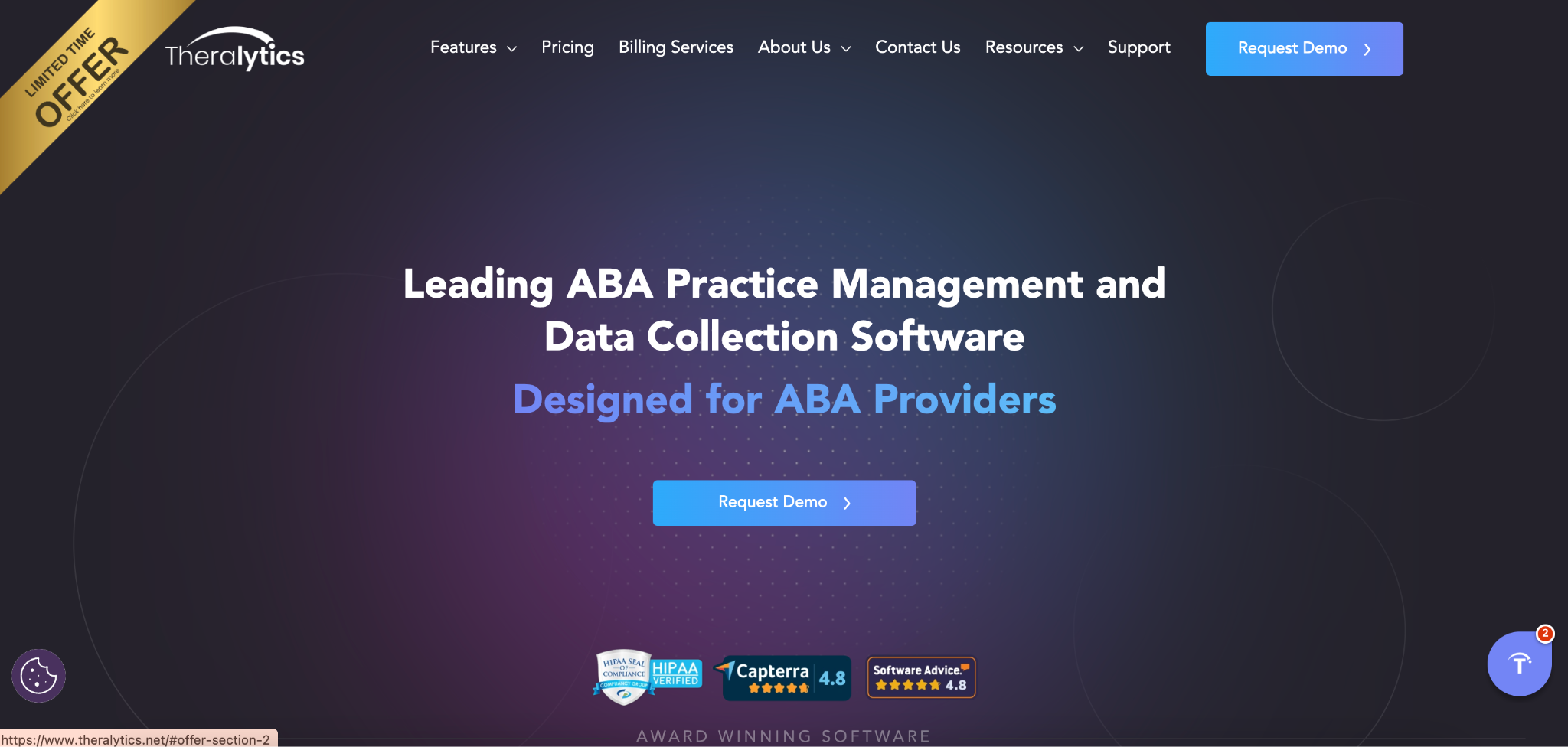
What it does: Theralytics is an all-in-one ABA platform built by a BCBA. It brings scheduling, billing, data collection, payroll, and documentation together in a single system.
Best for: Solo BCBAs, start-ups, and smaller practices that want functional core scheduling at an accessible price, without enterprise features.
Theralytics handles the fundamentals well and keeps pricing transparent. But as practices grow and operational complexity increases, the platform's somewhat limited reporting depth and integration options can create strain.
Key features
- Multi-location scheduling
- Scheduling and payroll integration
- Customizable role permissions
- Drive time calculation
Pros
✅ Transparent per-client pricing, with no long-term contracts
✅ Start-up package available for new practitioners
Cons
❌ Lighter reporting and analytics, compared with larger platforms
❌ Limited third-party integrations
❌ Some users report occasional app glitches and connectivity issues
What users say
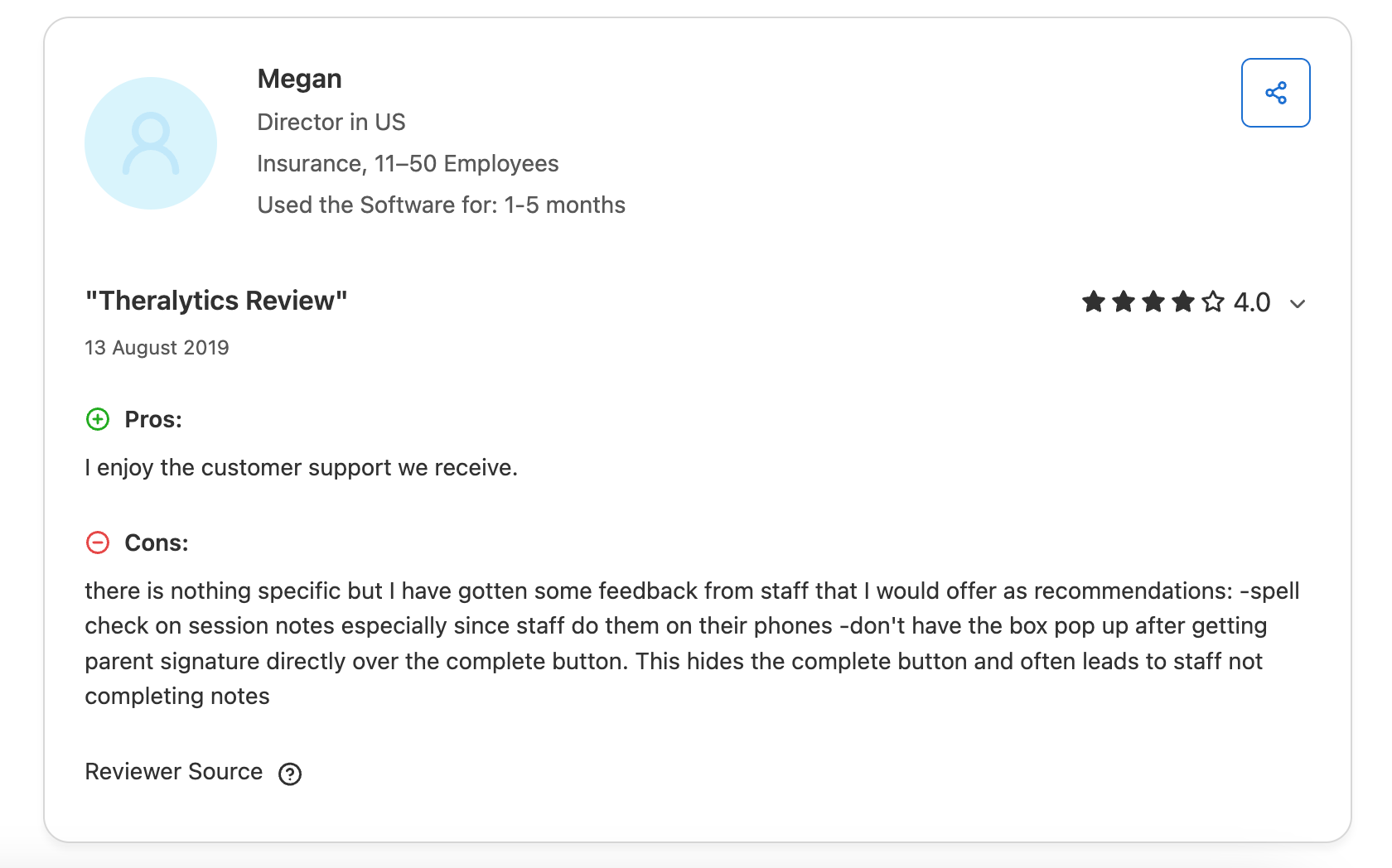
“Overall experience is great still learning all the features would like more explanation/videos on how to use certain features” – Jaclyne, Administrative Coordinator, Capterra Review
“Therapytics often has glitches, and appointments get deleted.” – Jessica, CEO in US, Capterra Review
Pricing
- Practice Management: $20/client/month or $30/user/month
- Practice Management + Data Collection: $30/client/month or $45/user/month
- BCBA Start-Up Package: Free for 6 months, or until your first client is booked
- Minimum monthly fee of $200 or $300, depending on the package
Bottom line
Theralytics is a practical choice for new and smaller practices that need affordable, functional scheduling without a long-term commitment. Practices with heavier caseloads and more intricate operations will likely need more capability over time.
Which ABA scheduling software should you choose?
The best ABA scheduling software for a growing practice depends on your current caseload and operational complexity, and how closely you want scheduling to connect to billing and authorizations.
Choose Motivity if you:
- Need deep clinical data collection alongside scheduling, and your practice isn't heavily dependent on advanced billing automation
Choose Raven Health if you:
- Are a small clinic that needs a quick, simple setup and a mobile-friendly scheduler
Choose Lumary if you:
- Are a mid-to-large practice planning significant multi-site growth and need enterprise-grade EVV compliance
Choose Artemis ABA if you:
- Want automated therapist-client matching and conflict detection, but clinical data depth is less of a priority
Choose Theralytics if you:
- Are a solo BCBA or start-up looking for an affordable, BCBA-designed system with no long-term contract
If none of these platforms fit the bill, another option could be exactly what you’re looking for.
Choose Passage Health if you:
- Are managing a growing caseload
- Need scheduling, billing, and clinical tools connected in one system
- Are losing time to manual data reentry and authorization errors due to disconnected tools
- Want a purpose-built ABA platform with dedicated onboarding support
See how Passage Health handles scheduling for growing practices
Scheduling errors create billing gaps, as well as admin headaches. When sessions aren't tied directly to authorizations and claims, practices can lose revenue through delayed denials, missed billing windows, and the errors that spring up when staff have to manually reenter data.
Passage Health was built to prevent these problems for ABA practices. Every session booked on the calendar connects automatically to billing records, carrying over the correct learner details, CPT codes, and authorized service hours. The platform’s authorization tracker flags any issues before sessions occur, not after claims are denied.
Here's what this offers growing clinics:
- Your schedulers spend less time cross-checking authorization limits manually, because the system monitors approved hours per learner and sends alerts automatically.
- Your billing team submits cleaner claims because session data flows directly from the scheduler into the billing module.
- Your BCBAs get real-time schedule access on mobile, so they can document, view assignments, and sync session notes without having to use separate systems.
- Your clinical team tracks learner progress through automated treatment reports and graphing, built directly into the same platform as scheduling and billing.
- Your whole practice benefits from Frontera AI integration for clinical AI features, a simple, intuitive interface that requires minimal training.
- From the very start, you’re in touch with a 1:1 onboarding team that understands ABA workflows, easing any hesitancy about new technology.
Passage Health also releases new features quarterly, based on client feedback. It stays ahead of the curve, growing alongside your practice.
Book a demo to see how Passage Health can simplify scheduling and more for your clinic.
Final verdict
Passage Health is the strongest option for growing ABA practices that want scheduling, clinical documentation, data collection, and billing working together in a single system.
Motivity and Lumary each suit practices with more specific operational or clinical priorities, while Raven Health and Theralytics are solid entry points for smaller practices and start-ups.
Frequently asked questions
What’s the best ABA scheduling software for growing practices?
The best ABA scheduling software for growing practices is a single platform where scheduling links with authorization, clinical documentation, and billing. Passage Health is our top recommendation for clinics with 20–100 users, in part because it keeps those workflows connected and catches authorization issues before claims get denied.
What should I look for in ABA scheduling software?
ABA scheduling software should include authorization tracking, scheduling-to-billing integration, staff availability management, and real-time mobile access as a minimum. Prioritize platforms that flag authorization issues before sessions are booked and feed session data directly into claims, without manual reentry.
How does ABA scheduling software reduce claim denials?
ABA scheduling software reduces claim denials by monitoring authorization limits per learner in real time and flagging overages before sessions are scheduled. This removes the need for staff to reenter data between scheduling and billing. It’s the stage where most claim errors happen, particularly in growing practices.
Can ABA scheduling software help with BCBA supervision tracking?
Yes, most all-in-one ABA platforms include supervision tracking within their scheduling modules, letting clinical directors monitor ratios, flag gaps, and assign supervising BCBAs to sessions. Passage Health incorporates these supervision tools into its scheduling and reporting features.
References
Artemis ABA. (n.d.). Retrieved from https://www.plutushealthinc.com/artemisaba
Lumary. (n.d.). Retrieved from https://lumary.com/
Motivity. (n.d.). Retrieved from https://www.motivity.net/
Raven Health. (n.d.). Retrieved from https://ravenhealth.com/
Theralytics. (n.d.). Retrieved from https://www.theralytics.net/
